TradingView Setup Guide
Step-by-step instructions to activate your 3TradeFusion Silver Suite.
Provide your TradingView Username
To grant you access to our invite-only scripts, we need your TradingView username. Please ensure you have sent this to our support team or updated it in your 3TF profile.
Open the Indicators Tab
Open any chart on TradingView. At the top of the chart interface, click on the "Indicators" button (or press '/' on your keyboard).

Find "Invite-Only Scripts"
In the left sidebar of the Indicators window, look for the "Invite-Only Scripts" section. This is where all 3TradeFusion tools are located once your access is activated.

Add to Chart
Click on the following to add the integrated suite to your workspace:
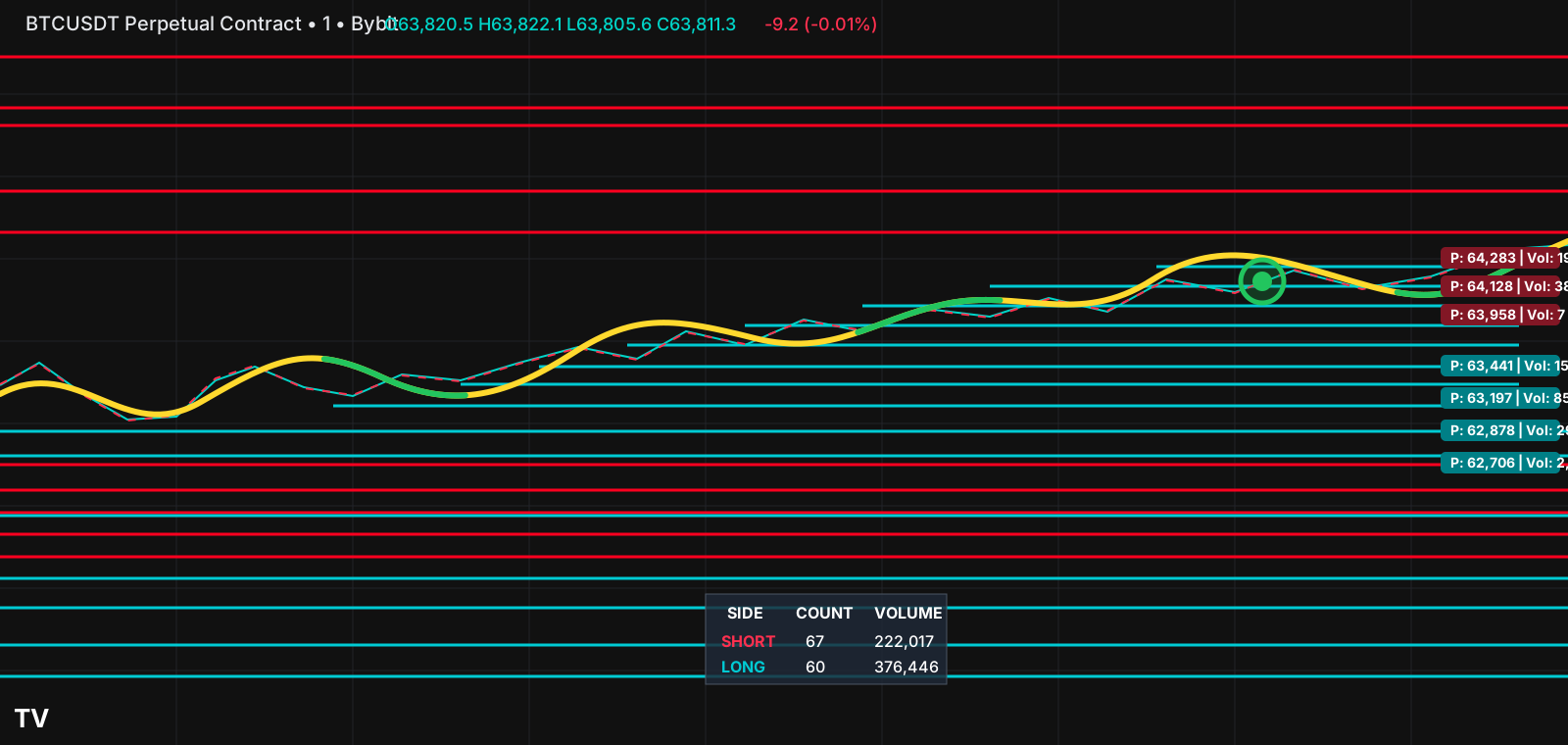
- 3TF - Liquidity Flow: Smart Zones
This single indicator contains all features (Heat-Path, Counts, and Chroma), which can be toggled in the script settings.